
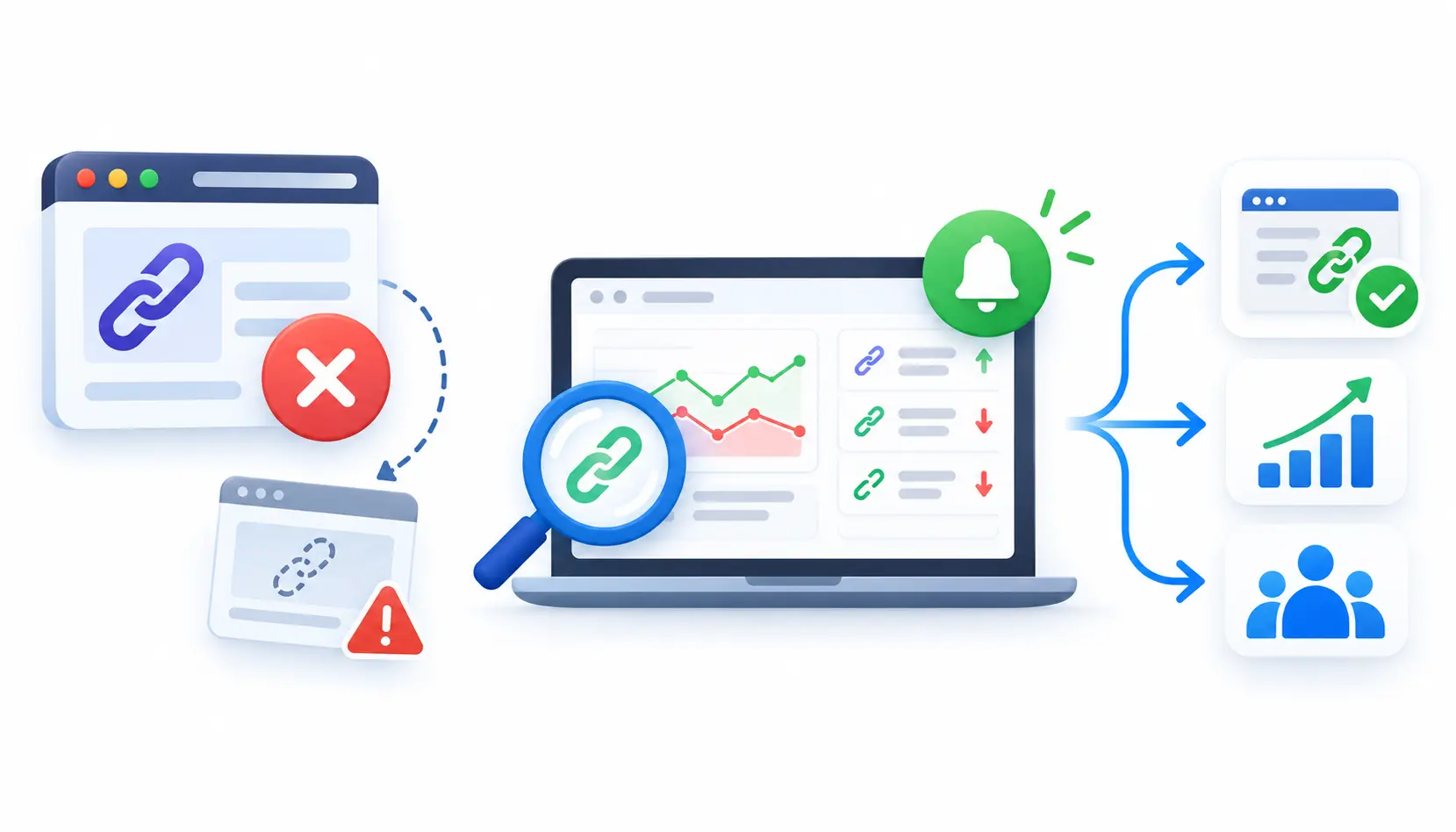
You built the links. Then a page got redirected, a partner redesigned their site, and a placement quietly vanished. Nobody noticed for three months.
That is the problem backlink management software solves. It tells you which links you have, which ones you lost, and what to do next. This guide compares 10 tools, explains how to pick one, and shows how to run a simple monitoring routine.
Best Backlink Management Software at a Glance
There is no single winner. The right tool depends on whether you need to analyze links, monitor them, or earn new ones through outreach.
Quick Picks by Use Case
- Best for deep backlink research: Ahrefs
- Best all-in-one SEO suite: Semrush
- Best for agencies and small teams: SE Ranking
- Best for Moz-metric users: Moz Pro
- Best for specialized link data: Majestic
- Best for affordable link monitoring: Linkody
- Best for scaled outreach: Pitchbox
- Best for relationship tracking: BuzzStream
- Best for outreach-led link building: Respona
- Best desktop option: LinkAssistant
Backlink Management Software Comparison Table
| Tool | Category | Main use | Monitoring | Outreach | Key limitation |
| Ahrefs | SEO suite | Backlink analysis | Yes (alerts) | No | Subscription cost adds up |
| Semrush | SEO suite | Audits and research | Yes | Basic prospecting | Many features you may not use |
| SE Ranking | SEO suite | Agency reporting | Yes | Limited | Less depth than the biggest indexes |
| Moz Pro | SEO suite | Link metrics | Yes | No | Metrics are Moz’s own |
| Majestic | Link data | Link graph analysis | Yes | No | Dated feel; metrics need context |
| Linkody | Monitoring | Known-link tracking | Yes (core) | No | Not an all-in-one platform |
| Pitchbox | Outreach | Scaled campaigns | Placement tracking | Yes (core) | Priced for teams, not solo users |
| BuzzStream | Outreach CRM | Relationships | Link tracking | Yes | Not a backlink index |
| Respona | Outreach | Prospect-to-pitch workflow | Basic | Yes (core) | Not built for deep analysis |
| LinkAssistant | Desktop tool | Prospecting and tracking | Yes | Yes | Runs on your computer, so sharing is harder |
For pricing, use each vendor’s current pricing page. Most charge monthly or yearly subscriptions. Some outreach tools quote pricing on request.
Which Tool Should You Choose?
Start with your main job.
- If you need to understand your link profile, pick a research tool like Ahrefs, Semrush, or Majestic.
- If you need to watch links you already have, pick a monitoring tool like Linkody or a suite with a link monitor.
- If you need to earn new links at scale, pick an outreach tool like Pitchbox, BuzzStream, or Respona.
Most teams end up with one research tool plus one outreach tool. Solo SEOs often get by with one.
What Is Backlink Management Software?
Backlink management software is a tool that helps you track, analyze, and maintain the links pointing to your website. Some versions also help you find new link opportunities and manage outreach.
A backlink is simply a link from another site to yours. Search engines use links to discover pages and, historically, to judge their importance. The original idea behind PageRank was built on that signal.
What Backlink Management Software Does
In plain English, these tools do four jobs:
- Collect your backlinks from their own web crawl.
- Watch for new and lost links.
- Score link quality using their own metrics.
- Organize outreach and link-building work.
Not every tool does all four. That is why the category feels confusing.
Backlink Management vs. Backlink Analysis vs. Backlink Monitoring
These three terms get mixed up. Here is the difference.
- Backlink analysis is a one-time look at who links to you or to a competitor.
- Backlink monitoring is ongoing checking. It alerts you when a link appears, disappears, or changes.
- Backlink management is the full routine: analysis, monitoring, cleanup, reclamation, and reporting.
Think of analysis as a photo, monitoring as a security camera, and management as the whole security plan.
Backlink Management vs. Link-Building Outreach Software
Outreach software helps you find prospects, send emails, and follow up. It manages people and conversations.
Backlink management software manages the links themselves. Some tools overlap, but the core jobs differ. Buying an outreach tool and expecting it to monitor your whole link profile is a common mistake.
Who Needs Backlink Management Software?
Freelance SEO professionals
You need affordable monitoring and clean client reports. A mid-priced suite or a focused monitor usually covers it.
In-house SEO teams
You need reliable data, alerts for lost links, and exports for reporting. Team seats and integrations matter more here.
Link-building agencies
You need to track placements for many clients, prove results, and re-check links over time. White-label reports and multi-domain support are key. Agencies can also use cloud-based collaboration tools to coordinate team responsibilities, share campaign updates, and keep client projects organized across distributed teams.
Enterprise SEO teams
You need scale, permissions, API access, and data you can pull into your own dashboards. Expect longer buying cycles and custom quotes.
How We Evaluated the Best Backlink Management Tools
We judged each tool on the things that affect daily work. Here are the criteria.
Backlink Data Coverage and Freshness
No tool sees the whole web. Each one runs its own crawler and builds its own index. Larger and fresher indexes find more links, but results still differ from tool to tool.
New and Lost Link Monitoring
Can the tool alert you when a link appears or disappears? How often does it re-check? Does it tell you why a link was lost, such as a deleted page or a removed link?
Backlink Quality and Competitor Analysis
Look for relevance signals, anchor text data, and competitor comparisons. Be careful with single scores. We cover why later.
Outreach and Relationship Management
For outreach tools, we looked at prospecting, templates, follow-ups, and contact history.
Reporting, Exports, and Integrations
Can you export data, schedule reports, and connect to Google Search Console or Google Analytics? Good reporting saves hours each month.
Pricing, Usability, and Scalability
A cheap tool that caps you at a few hundred links can become expensive fast. A powerful tool you never open is a waste. We considered both.
Testing Methodology and Evaluation Limitations
This comparison is based on each vendor’s public documentation and feature pages, plus widely reported strengths and weaknesses. It is not a lab test of data accuracy.
If you publish this under your own name, run each tool on a real site first and add your screenshots and findings. First-hand testing is what separates a useful review from a feature list.
10 Best Backlink Management Software Tools
The order below reflects common use cases, not a strict ranking. Re-check each claim before publishing.
1. Ahrefs: Best for Backlink Analysis and Competitor Research
Ahrefs is known for one of the largest backlink indexes in the industry. Many SEOs treat it as the default for link research.
Key backlink features
Site Explorer shows referring domains, anchor text, new and lost links, and top linked pages. You can set alerts for new and lost backlinks. Ahrefs also offers free Ahrefs Webmaster Tools for sites you verify as your own.
Best use cases
Use it for competitor link gap research, finding link opportunities, and auditing your own profile. It suits in-house teams and agencies.
Limitations and pricing considerations
It is a paid subscription, and costs grow with seats and usage limits. It does not manage outreach. You will need a second tool for that.
2. Semrush: Best for Backlink Management Within a Broader SEO Suite
Semrush bundles backlink tools with keyword research, site audits, and rank tracking. That makes it handy if you want one login for everything.
Backlink Audit and competitor research
Its Backlink Audit tool flags links it considers risky and helps you build a disavow file. Backlink Analytics lets you study competitors.
Integration with wider SEO workflows
You can connect backlink findings to content and keyword work in the same platform. It also includes a link-building prospecting tool.
Limitations and pricing considerations
It costs more than a focused tool. If you only need link monitoring, you will pay for features you never touch. Treat its toxicity scores as hints, not verdicts.
3. SE Ranking: Best for Smaller Teams and Agencies
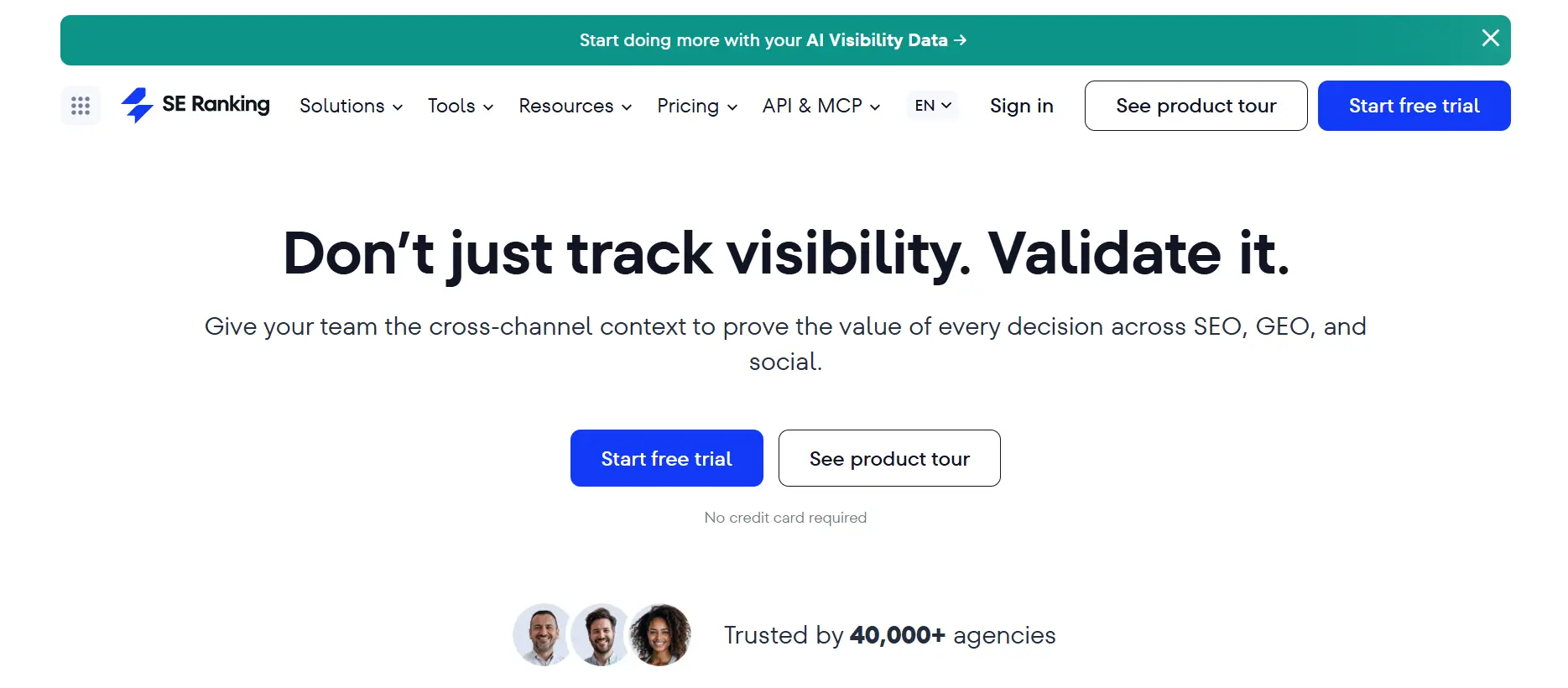
SE Ranking is a full SEO platform that is popular with agencies and smaller teams who want solid features without enterprise pricing.
Backlink monitoring and reporting
It includes a backlink checker and a backlink monitor so you can track links over time. Reporting tools let you build client-ready summaries.
Agency workflow fit
White-label reporting and multi-project management suit agencies handling many client sites.
Limitations and pricing considerations
Its link index may not match the largest competitors in every niche. Check plan limits on tracked links and projects before you commit.
4. Moz Pro: Best for Teams Using Moz’s SEO Metrics
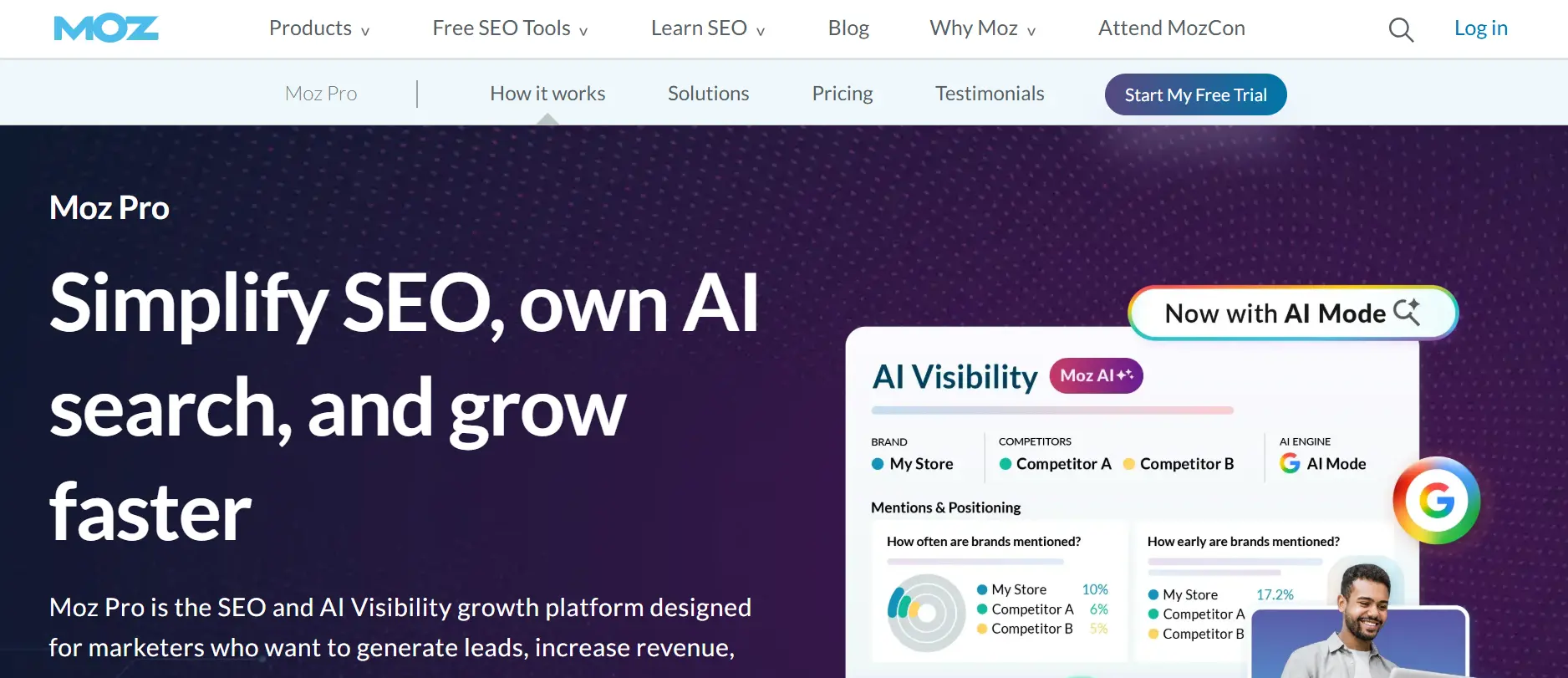
Moz created Domain Authority, a metric many agencies and clients still recognize. Moz Pro wraps that into a broader toolkit.
Link Explorer and link profile analysis
Link Explorer shows linking domains, anchor text, and Moz’s own metrics. You can track links and compare competitors.
Reporting and usability
The interface is friendly for beginners. It is easy to explain to clients who already know Moz metrics.
Limitations and pricing considerations
Domain Authority is a Moz metric, not a Google one. Use it to compare sites, not to predict rankings. Check the current plan limits on reports and tracked items.
5. Majestic: Best for Specialized Link Intelligence
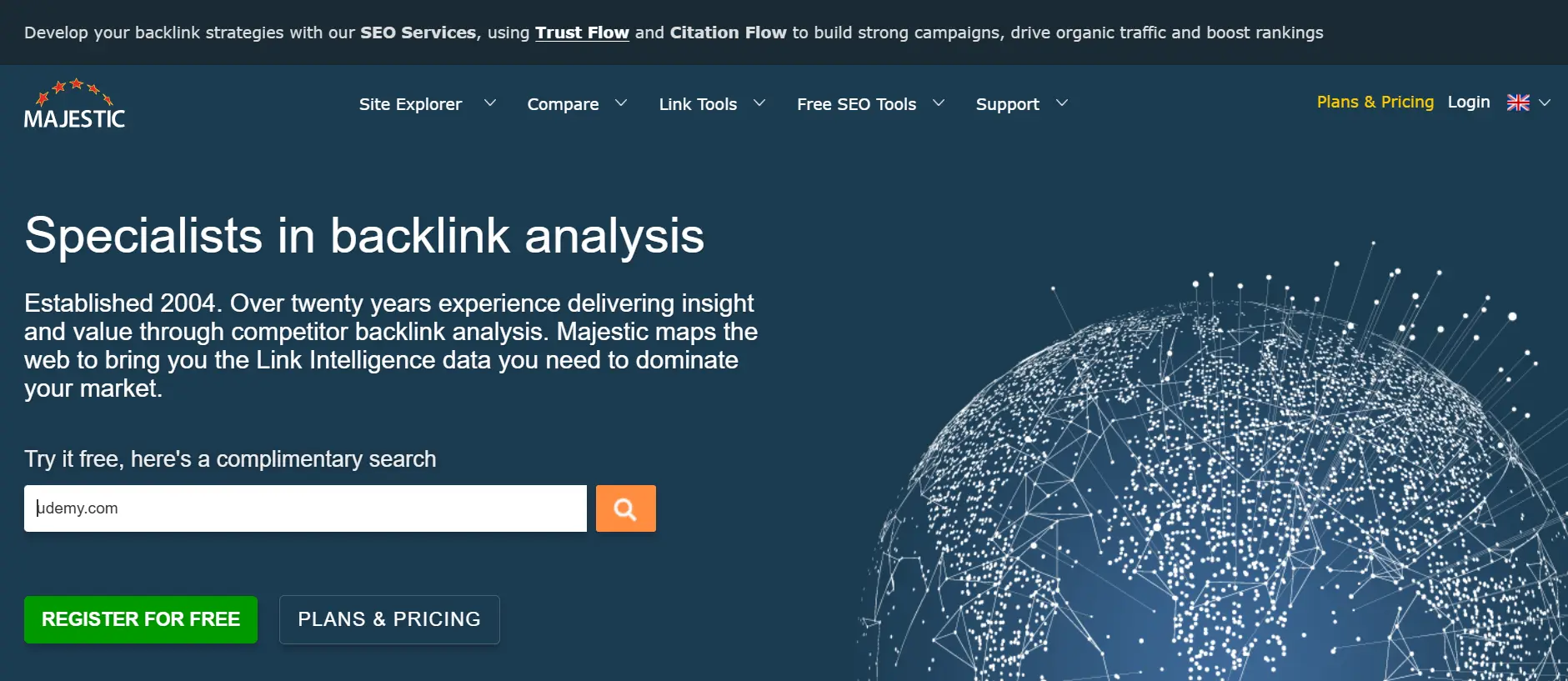
Majestic focuses almost entirely on links. It has long been used by SEOs who want a dedicated link graph.
Backlink discovery and link graph metrics
It offers Trust Flow and Citation Flow, plus separate fresh and historic indexes. Those let you compare recent links with the full history.
When specialized backlink data is useful
Use it for deep competitor research, link-history checks, and as a second opinion next to a larger suite.
Limitations and pricing considerations
It does not cover keyword research or content work. Its metrics take some learning, and they are Majestic’s own scores, not Google’s.
6. Linkody: Best for Monitoring Known Backlinks
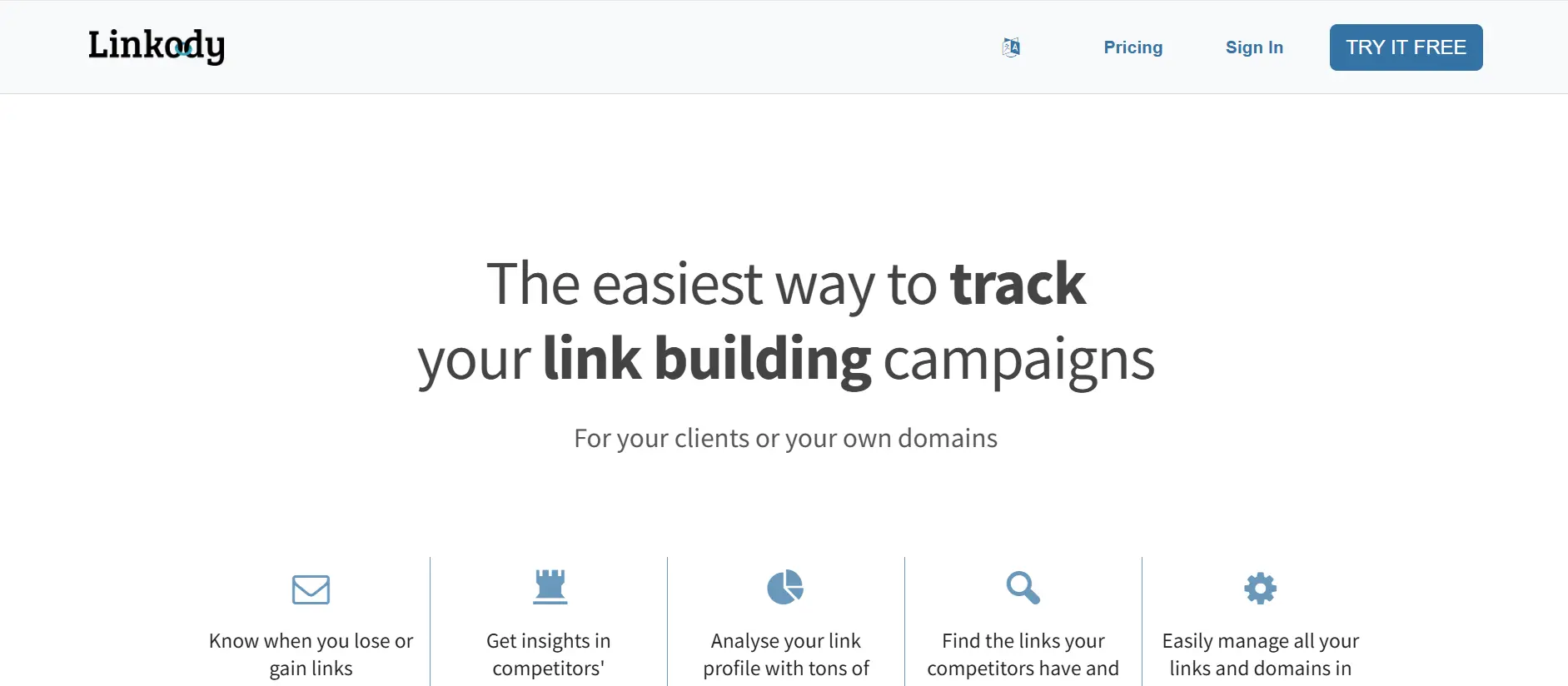
Linkody does one job: it watches your backlinks and tells you when something changes. It is a focused tool rather than a full suite.
Link tracking and alerts
It checks your links regularly and alerts you when a link is gained, lost, or changes status. It can also track competitor links and help create a disavow file.
Monitoring workflow
Import your backlinks, add the ones you earned, and let it re-check them. Agencies can use white-label reports for clients.
Limitations and pricing considerations
At the time of writing, listings show plans starting at about $14.90 per month, with the entry plan covering 2 domains and 500 monitored links. Busy campaigns can outgrow that. It also confirms a link exists, which is not the same as confirming Google indexed it.
7. Pitchbox: Best for Scaled Link-Building Outreach
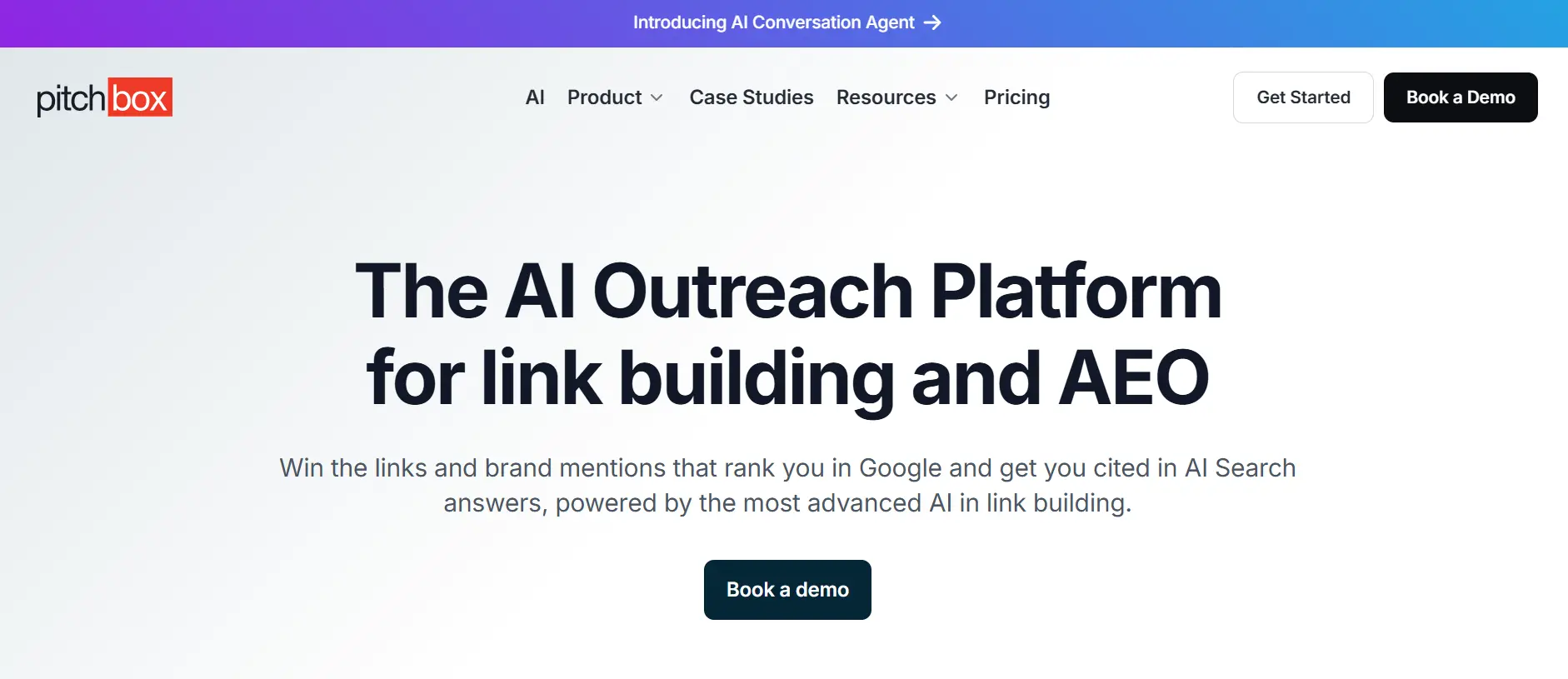
Pitchbox is an outreach platform built for teams that run many campaigns at once.
Campaign and outreach management
You can find prospects, personalize emails, and run sequences from one place. Campaign dashboards show where each prospect stands. An AI email writer can also help you draft personalized outreach messages and follow-ups more efficiently.
Team workflows and follow-ups
Automated follow-ups and shared workflows help large teams stay consistent.
Limitations and pricing considerations
It is aimed at agencies and larger teams, so smaller budgets may struggle. It is not a backlink index. Pair it with a research tool.
8. BuzzStream: Best for Outreach Relationship Management
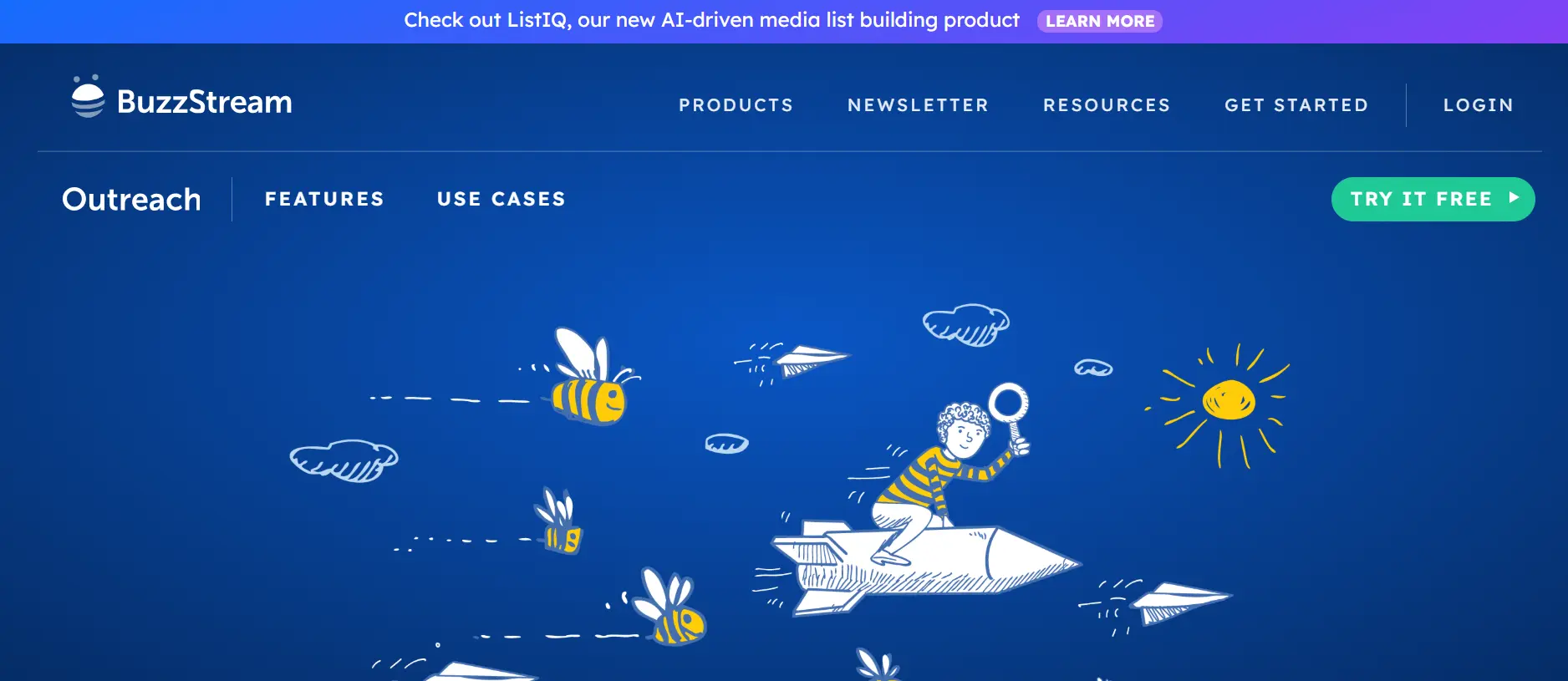
BuzzStream works like a CRM for link builders. It keeps your contacts, notes, and email history in one place.
Prospect records and contact history
Every site and contact gets a record. You can see who spoke to whom and when, which prevents awkward double-pitching.
Outreach collaboration
Teams share contacts and templates, and track the status of each conversation.
Limitations and pricing considerations
It tracks outreach and placed links, but it does not replace a full backlink index. Check plan limits on contacts and users.
9. Respona: Best for Outreach-Driven Link Acquisition
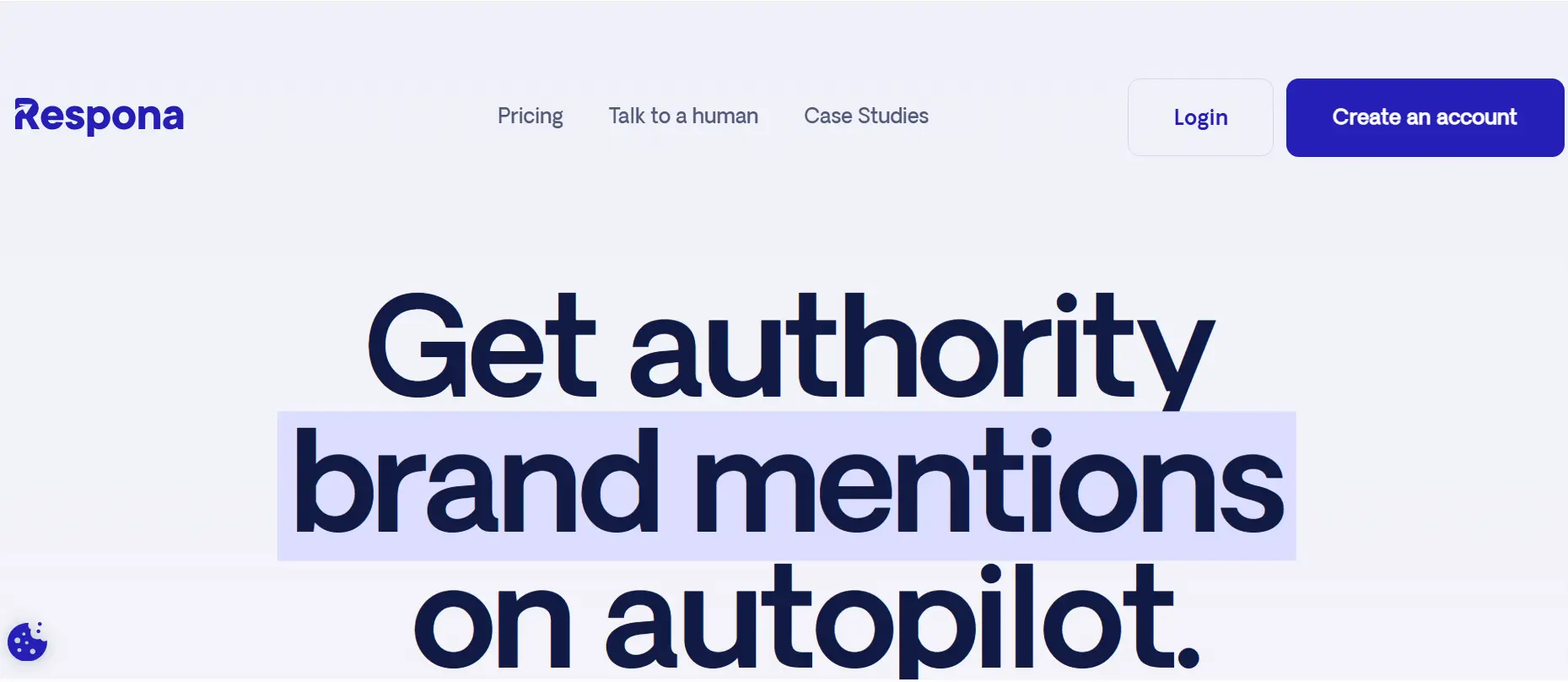
Respona connects prospecting and email outreach in one workflow. It is popular for digital PR, guest posts, and link inserts.
Prospecting and outreach workflows
You build a prospect list, find contact details, personalize pitches, and send sequences from the same tool.
Campaign management
Campaign views help you see replies, follow-ups, and results.
Limitations and pricing considerations
It is built for acquiring links, not auditing a large existing profile. Review plan limits on emails and contacts before buying.
10. LinkAssistant: Best for Desktop-Based Link-Building Workflows
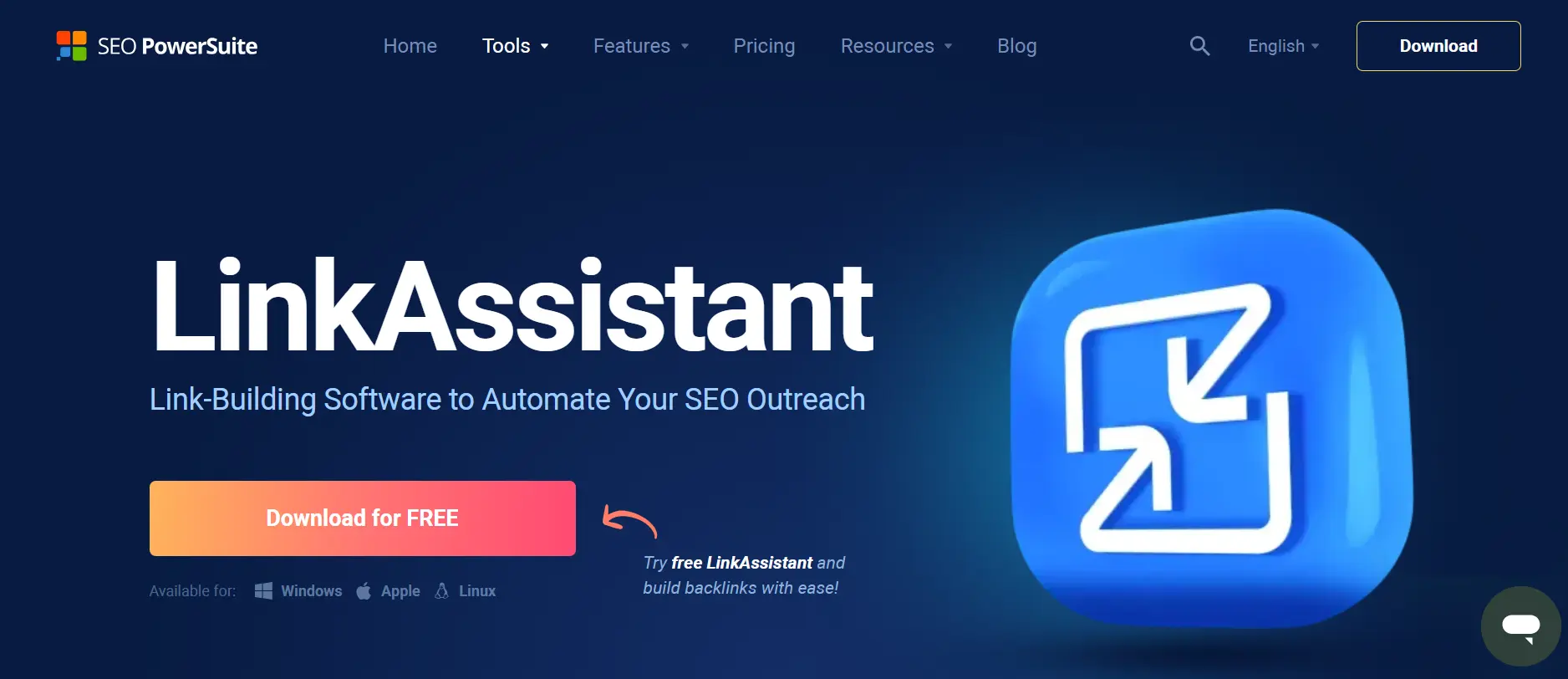
LinkAssistant is part of the SEO PowerSuite family and installs on your computer instead of running in a browser.
Prospecting and link management
It helps you find prospects, send emails, and track links you have built.
Workflow and deployment considerations
Because it runs locally, data lives on your machine. That suits solo users. It is less convenient when several people need the same data.
Limitations and pricing considerations
Cloud tools are easier to share and access from anywhere. Check the current license options and any limits before you buy.
11. Linkcolab: Best for Link-Building Opportunities and Partnerships
Linkcolab is relevant for teams looking beyond backlink analysis software and seeking support with link-building opportunities, publisher relationships, or link-building partnerships. Consider it when the main goal is acquiring relevant placements rather than maintaining a comprehensive backlink database.
Where it fits in a backlink workflow
Use Linkcolab as a potential link-acquisition option alongside a dedicated backlink research or monitoring tool. Before choosing it, review the current service options, publisher/site quality criteria, placement terms, and reporting process on its website.
Limitations and considerations
Do not assume it replaces a backlink index, automated lost-link alerts, or a technical backlink audit. Confirm the current offering and terms directly with Linkcolab before publishing specific feature or pricing claims.
Best Backlink Management Software by Use Case
Best for Backlink Monitoring
Linkody is the focused option. Ahrefs, Semrush, and SE Ranking also include link alerts if you want monitoring inside a suite.
Best for Competitor Backlink Analysis
Ahrefs and Semrush are the usual first choices. Majestic is a good second source for a different view.
Best for Link-Building Agencies
SE Ranking handles reporting for many clients. Pair it with BuzzStream or Pitchbox for outreach.
Best for Small Businesses
Start with Google Search Console, then add a low-cost monitor such as Linkody. Add a suite only when you outgrow it.
Best for Enterprise SEO Teams
Ahrefs or Semrush for research, plus Pitchbox for scaled outreach. Prioritize API access and permissions.
Best Free or Low-Cost Backlink Management Setup
Combine Google Search Console, Ahrefs Webmaster Tools, and a spreadsheet. It is not fancy, but it works for small sites.
Free Backlink Management Tools and Affordable Alternatives
Google Search Console for Google’s Reported Link Data
Search Console has a Links report showing top linking sites, top linked pages, and common anchor text. It is free and comes straight from Google.
It is a useful reference, but it is not a complete list of every link Google knows about.
Google Sheets for Manual Backlink Tracking
A spreadsheet can track the essentials: linking URL, target URL, anchor text, date earned, date last checked, and status. It is slow, but it is free and flexible. It works best under a few hundred links.
Free Trials vs. Free Plans
A free plan is ongoing but limited. A free trial gives full features for a short time. Use trials to test real data, and do it with a live site.
When a Paid Backlink Tool Is Worth the Cost
Pay when the hours saved beat the subscription cost. That usually happens when you track many links, serve multiple clients, or need alerts you can trust.
Limitations of Free Backlink Data
Free data is usually sampled, capped, or limited to your own site. You will not get strong competitor insight from it.
How to Choose the Right Backlink Management Software
Step 1: Identify Your Primary Backlink Workflow
Decide whether you mainly analyze, monitor, or run outreach. This one answer rules out half the market.
Step 2: Estimate Your Website and Campaign Scale
Count your domains, tracked links, and team members. Then compare those numbers with each plan’s limits.
Step 3: Check Data Coverage and Update Frequency
Ask how often the tool re-crawls and re-checks links. Run the same site through two tools and compare what each finds.
Step 4: Verify Monitoring, Alerts, and Export Features
Make sure alerts reach you by email or Slack, and that you can export to CSV. If you cannot get your data out, you are locked in.
Step 5: Check Team Access and Integrations
Confirm seat counts, permissions, and links with Search Console, Google Analytics, or your reporting tool.
Step 6: Compare Total Cost and Plan Restrictions
Look beyond the headline price. Check caps on links, projects, users, and reports. Compare yearly and monthly billing.
Step 7: Test the Tool With a Real Campaign
Run one real campaign through your shortlist. Judge it on speed, clarity, and whether your team actually opens it.
How to Monitor and Manage Backlinks Effectively
Here is a simple routine that works with almost any tool. Managing backlink campaigns also requires an organized workflow for tracking tasks, deadlines, and follow-ups. The right productivity tools for managing workflows can help SEO professionals coordinate campaign activities and keep link-building projects on schedule.
Set Up a Backlink Baseline
Export your current links from your tool and from Search Console. Merge them into one list. This is your starting point.
Track New and Lost Referring Domains
Referring domains matter more than raw link counts. Ten links from one site are less meaningful than ten links from ten sites. Review new and lost domains every week or two.
Validate Backlink Status Changes
Alerts can be wrong. Before you panic, open the page and check three things: does the link exist, is it still followed, and is the page live?
Evaluate Relevance and Link Quality
Ask simple questions. Is the site about a related topic? Does it have real readers? Would you be happy if a customer found you through that link?
Investigate Broken Links and Lost Placements
When a link disappears, look for the cause. Common ones include a deleted page, a site redesign, a removed paragraph, or a redirect that broke.
Build a Link Reclamation Workflow
Here is the process in numbered steps:
- Find the lost link in your alerts.
- Check the cause on the linking page.
- If the cause is on your side, fix it. Restore the page or add a redirect.
- If the cause is on their side, send a short, polite email.
- Log the result in your sheet or tool.
Example: a partner’s blog links to a product page you retired. A 301 redirect to the closest live page often restores most of the value. Then you only need to email if the link was removed entirely.
Create a Monthly Backlink Report
Keep it short. Include new links, lost links, top referring domains, and any action items. Add context such as traffic or leads from those links, so the report is about business results and not just totals.
Backlink Quality, Risk, and Google’s Link Spam Policies
Why Link Quality Matters More Than Raw Volume
One relevant link from a respected site in your industry can beat dozens of weak ones. Volume without quality adds noise and may add risk.
Understanding Authority Metrics and Their Limitations
Domain Authority, Domain Rating, Trust Flow, and similar scores are third-party estimates. They are not Google ranking factors. Google has said it does not use these tools’ metrics.
Use them to compare sites quickly. Do not treat them as truth.
Recognizing Suspicious Link Patterns
Watch for sudden spikes of links from unrelated sites, lots of exact-match anchor text, and links on pages that exist only to hold links. Context matters, because one odd link is rarely a problem.
Paid Links, Link Exchanges, and Automated Link Schemes
Google’s spam policies describe link spam. In short, they cover buying or selling links that pass ranking credit, excessive link exchanges, and automatically generated links.
If you use sponsored placements, mark them with the right link attributes. Read the policy page before you plan any campaign.
How to Investigate Potentially Problematic Backlinks
- Collect suspicious links from your tool and Search Console.
- Check each page by hand.
- Look for patterns, not one-off oddities.
- Try to get clearly paid or manipulative links removed.
- Use Google’s disavow tool only for real problems, such as a manual action or a link scheme you cannot undo.
Google says most sites do not need to disavow. Disavowing good links by mistake can hurt you.
When to Seek Expert Review
Get a second opinion if you receive a manual action, see a sudden traffic drop tied to links, or inherit a site with a spammy history. A specialist can review the profile before you disavow anything.
For real-world opinions, communities like SEO and bigseo are useful for comparing notes. Treat advice there as input, not proof.
Backlink Management Mistakes to Avoid
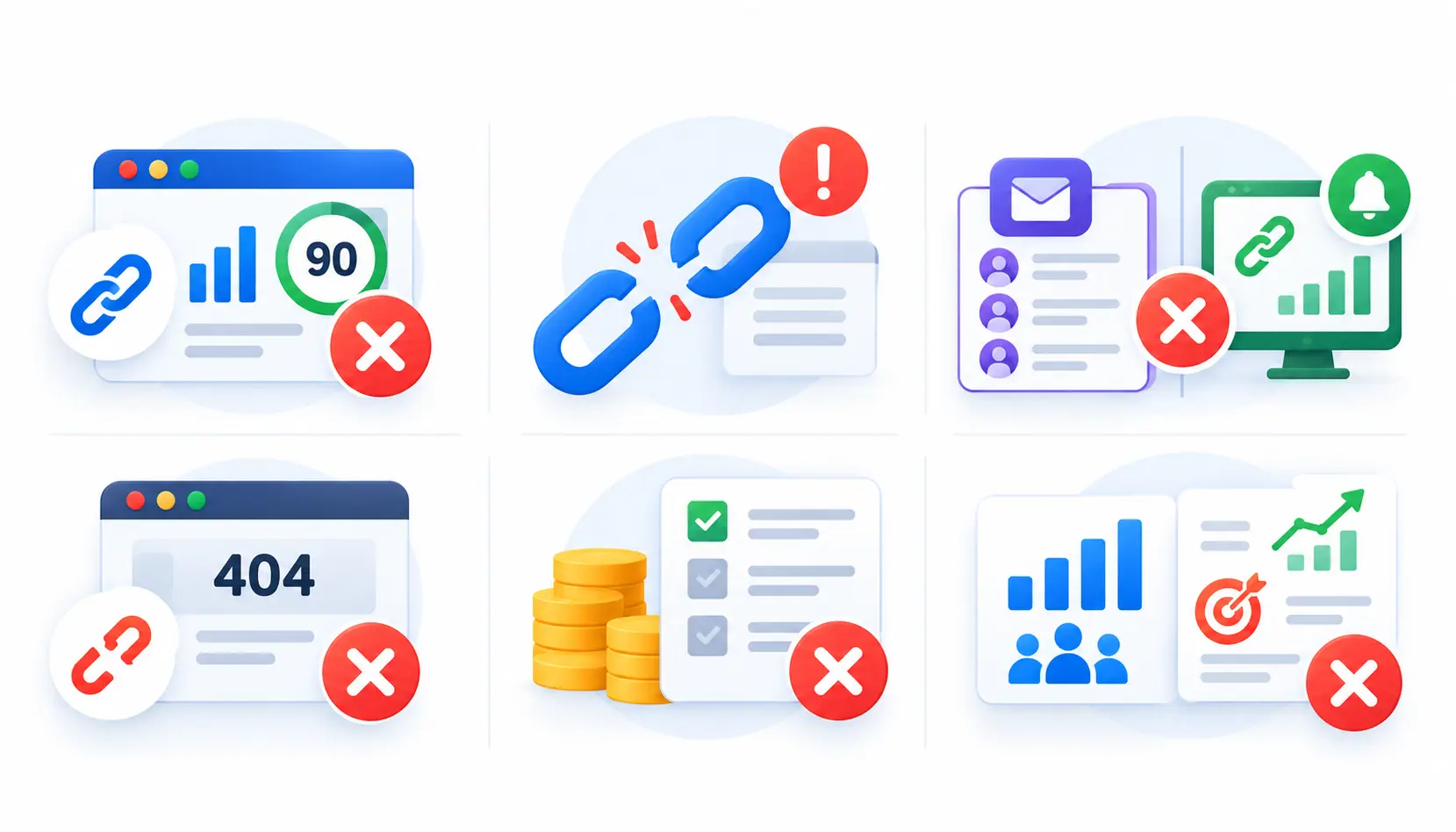
Relying on a Single Authority Metric
A high score does not mean a good link. Check relevance and traffic as well.
Treating Every Lost Link as an Emergency
Links come and go all the time. Focus first on lost links from important pages and trusted sites.
Confusing Outreach Software With Monitoring Software
Outreach tools manage contacts. Monitoring tools watch links. Know which one you are buying.
Ignoring Broken Destination Pages
A link to a 404 page helps nobody. Fix or redirect dead pages that still earn links.
Paying for Features Your Team Does Not Need
Before you upgrade, list the features you used last month. If the list is short, downgrade.
Reporting Link Counts Without Business Context
“We got 40 links” means little. “We got 6 links that sent 300 visits and 12 leads” tells a story.
Frequently Asked Questions About Backlink Management Software
1. What is backlink management software?
It is a tool that tracks, analyzes, and organizes the links pointing to your site. Many versions also help with link-building outreach and reporting.
2. What is the best backlink management software?
It depends on your job. Ahrefs and Semrush lead for research, Linkody for focused monitoring, and Pitchbox, BuzzStream, or Respona for outreach.
3. What is the difference between backlink analysis and monitoring?
Analysis is a one-time review of a link profile. Monitoring is ongoing checking that alerts you when links change.
4. Is there free backlink management software?
Yes, in limited form. Google Search Console and Ahrefs Webmaster Tools are free for sites you own. A spreadsheet works for manual tracking.
5. Can Google Search Console replace paid backlink tools?
Not fully. It is accurate for your own site but limited. It gives little competitor data and not a full link list.
6. How often should I check my backlinks?
Check alerts weekly or every two weeks, and do a fuller review monthly. Large or fast-moving sites may need more frequent checks.
7. How can I recover lost backlinks?
Find why the link was lost. If it was your error, restore the page or redirect it. If the site removed it, send a polite note asking to restore it.
8. Are domain authority and domain rating Google ranking factors?
No. They are third-party metrics from Moz and Ahrefs. They help compare sites, but Google does not use them.
9. Can backlink management tools identify toxic backlinks?
They can flag suspicious links, but the labels are estimates. Always review flagged links by hand before acting.
10. Do I need separate tools for monitoring and outreach?
Often yes. Most tools are strong in one area. A suite for monitoring plus a dedicated outreach tool is a common pairing.
Conclusion
The best backlink management software is the one that fits your workflow, not the one with the longest feature list. Start by deciding whether you need to analyze, monitor, or earn links.
If you want one dependable research and monitoring tool, Ahrefs or Semrush are safe bets. If you want affordable monitoring, try Linkody. If outreach is your bottleneck, look at Pitchbox, BuzzStream, or Responsa.
Whatever you choose, test it on a live site, keep a simple monthly routine, and judge links by quality and business impact. That habit will do more for your results than any single tool.

Mehreen Mushtaq is a skilled content writer dedicated to creating high-quality, engaging, and SEO-focused blogs. She specializes in strategic keyword usage, search intent, and informative content that connects with readers while helping websites strengthen their visibility and rankings in search results.